August 23, 2026 · RelaySector Team
How GPS Clock-In Actually Works
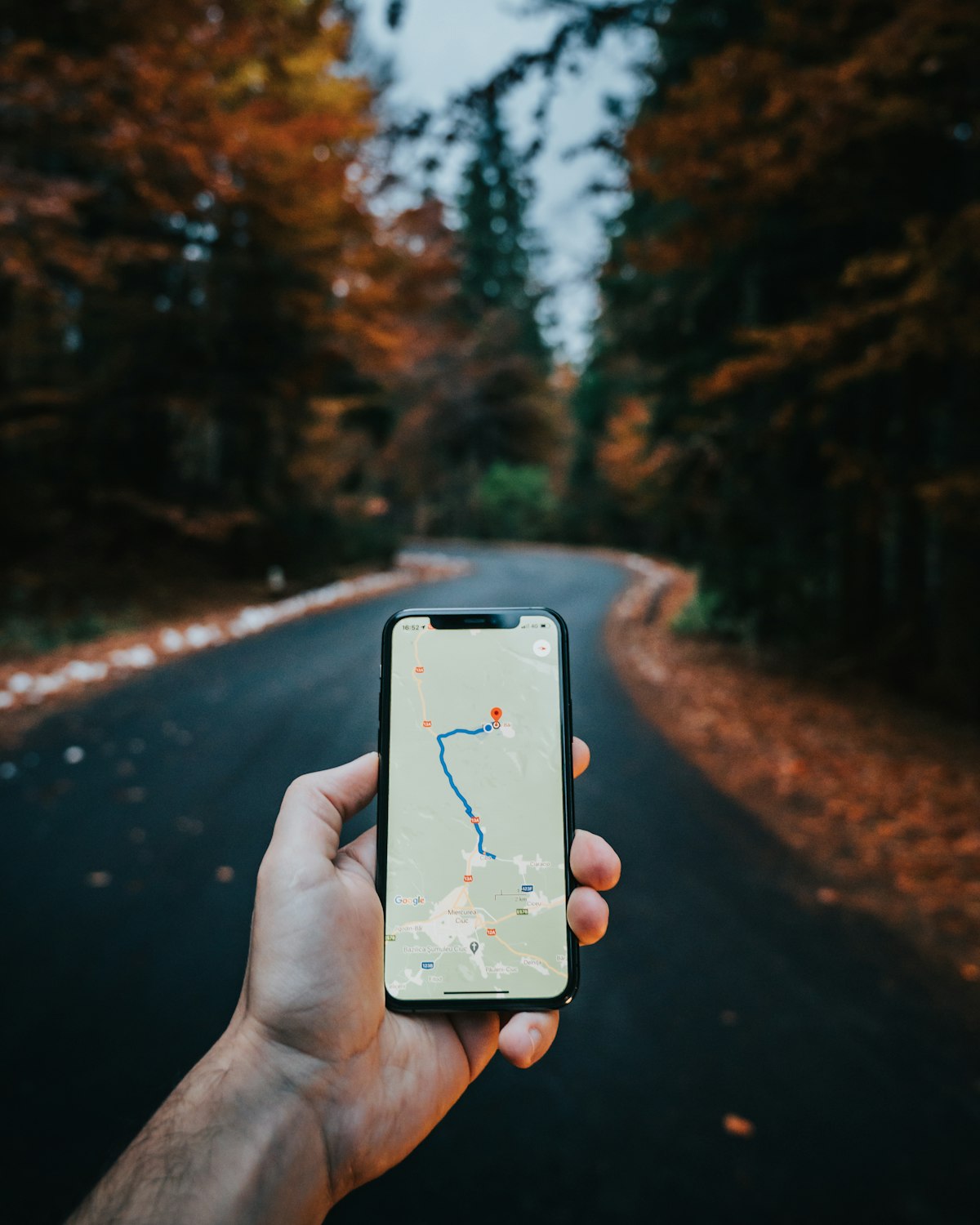
Photo by Tamas Tuzes-Katai on Unsplash
"They said they were on-site" is not the same as knowing they were on-site. A timesheet is a claim. A geofenced clock-in is a measurement. Here's what actually happens under the hood when someone taps "Clock in" in the field app.
The distance check
Every site has a latitude/longitude and a radius, set once when the site is created. When a staff member clocks in, their phone reports its current coordinates, and the server calculates the great-circle distance between that position and the site's center using the haversine formula -- the same math used for any accurate distance-on-a-sphere calculation, not a flat-earth approximation that gets worse the further you are from the equator.
That distance, compared against the site's configured radius, is what determines whether the punch counts as "within geofence." This check happens server-side, not on the device -- a phone can be told to lie about its GPS, but it can't talk the server into believing a distance calculation it just ran itself.
Three enforcement modes, not one
Real field sites aren't uniform. A guard post with a hard perimeter needs different tolerance than a cleaning contract spread across a strip mall parking lot. So the distance check feeds into one of three modes, set per site:
- Strict -- clock-in is rejected outright if the distance exceeds the radius. No wiggle room.
- Balanced -- clock-in is rejected only if the distance exceeds roughly 3x the radius. Enough tolerance to absorb normal GPS drift (concrete, weather, being indoors) without opening the door to someone clocking in from three blocks away.
- Flexible -- the clock-in is never rejected outright. It always goes through.
What gets recorded either way
Here's the part that matters even in Flexible mode: whether the punch was actually within the geofence is recorded on every single clock-in event, regardless of which mode is active. Flexible mode changes whether an out-of-range punch gets blocked -- it does not change whether it gets flagged. You can run a site in Flexible mode to avoid friction for a team that has spotty GPS reception, and still see exactly which punches were outside the geofence when you pull the report later.
That's the actual design goal: proof of presence shouldn't mean punishing people for a phone with bad signal. It should mean an honest, permanent record of where a clock-in really happened, decoupled from whether that clock-in was allowed to succeed.
Choosing a mode
There's no universally "correct" mode -- it depends on what a false rejection costs you versus what a false acceptance costs you. A security contract with strict client SLAs around post coverage might run Strict. A cleaning crew working a large, oddly-shaped property with known dead zones might run Balanced. A new site you're still tuning the radius for might run Flexible until you're confident the radius is set correctly, then tighten it once you trust the data.
You can see this in action without setting anything up: the live demo walks through a real clock-in against a configured geofence.
Get new posts by email
No spam, just a note when we publish something new.